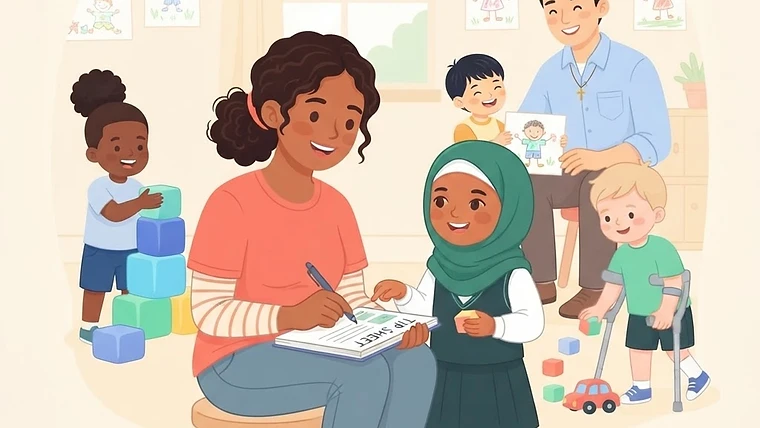
A quick, scannable tip sheet to help childcare directors and teachers establish and share a clear emergency communication plan with families.
Emergency Communication Plan: Quick Tips for Childcare Centers
When the unexpected happens, a clear communication plan keeps families calm and children safe. Use this tip sheet to build and share your center's emergency protocols.
1. Establish Your Primary Channels
- Mass Texting: Use SMS for immediate, urgent alerts (e.g., weather closures, evacuations).
- Email/App Notifications: Use for detailed follow-ups and non-urgent updates.
Why it works: Parents check texts instantly, ensuring critical information is seen right away.
2. Define the "Who" and "What"
- Designated Sender: ___________________________ (Who sends the alerts?)
- Information Order: Always state the children's safety status first, followed by the situation, and then the required action (e.g., pickup instructions).
Why it works: Eliminates confusion and stops panic by answering the most important question first: "Is my child safe?"
3. Plan for Reunification
- Primary Pickup Location: ___________________________
- Backup Location: ___________________________
- ID Requirements: Remind parents that ID is required for all emergency pickups, even if staff know them.
Why it works: A structured release process ensures every child goes home safely, even in chaotic situations.
4. Practice and Prepare
- Test the System: Send a scheduled test message twice a year.
- Update Contacts: Require families to update emergency contacts every 6 months.
Why it works: Testing ensures your software works and parents know what an official alert looks like.
Made with Learning Clubhouse.